Start with the screen you already have
Capture a full screen, area or window from the menu bar, then keep the original local while you prepare the asset.
Founding beta · 50 annual Pro seats
ShotLaunch is a menu bar app for marketers and social teams who turn screens into posts: crop the story, add the visual treatment, hide what should stay private and export a static asset, GIF loop or short clip.Capture, shape, brand and export a screen-based asset or short clip. Everything stays on your Mac.
For screenshots and short recordings that end up in social posts, campaign updates, product carousels, client reports and launch kits.
Signature feature
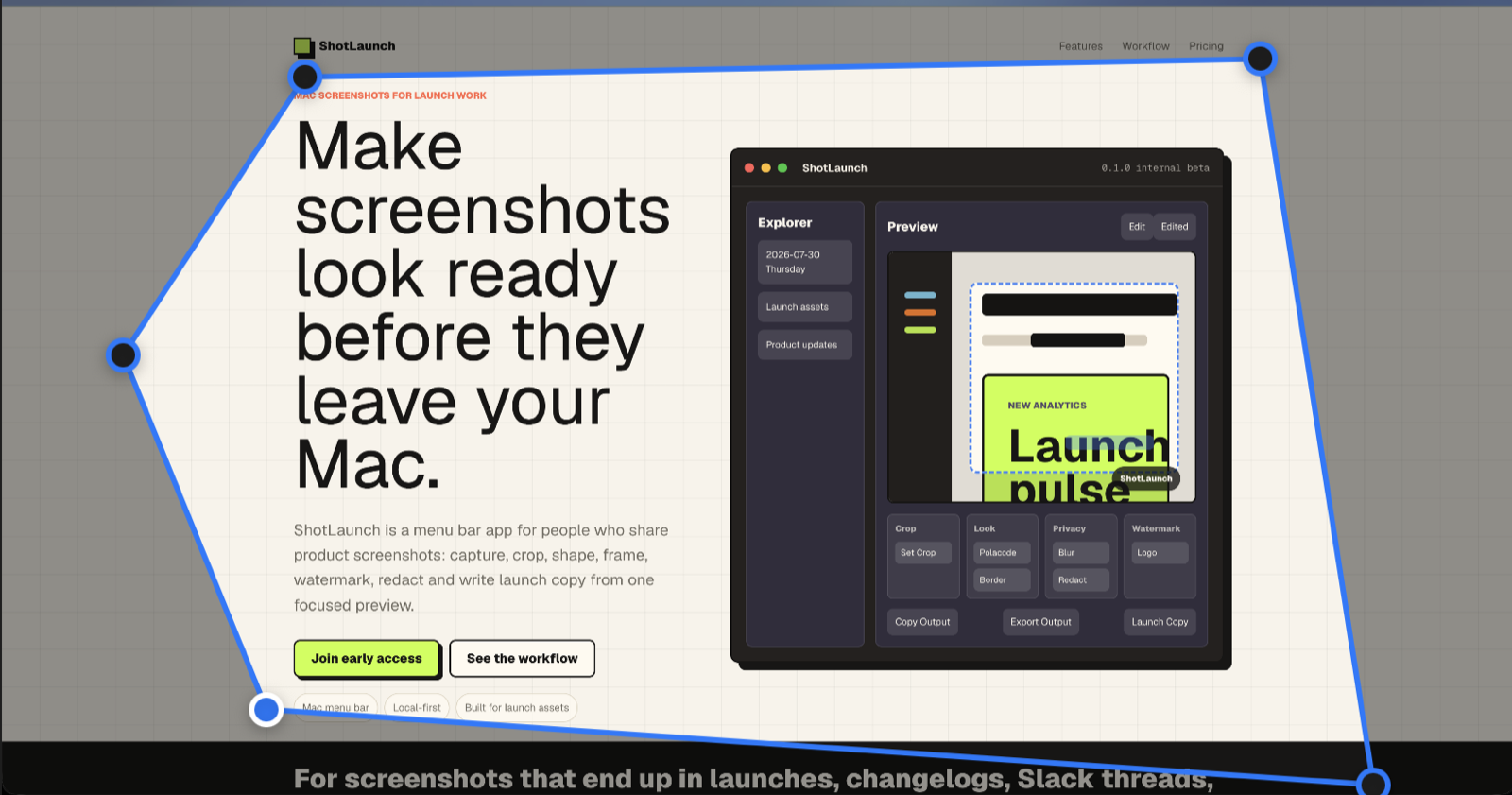
Most screenshot tools stop at a rectangle. ShotLaunch lets you draw the outline, adjust the points and keep only the visual that carries the message in a post or campaign.
What it replaces
No extra crop tool, no blur pass and no design file just to make a screenshot feel intentional. ShotLaunch keeps the last-mile polish inside the visual workflow.
Capture a full screen, area or window from the menu bar, then keep the original local while you prepare the asset.
Crop, shape, frame and style a screenshot without opening a design file or building an endless canvas.
Add black redaction or blur marks directly on the screenshot before it touches the clipboard.
Turn 3 or 4 images into a GIF, or trim a short recording and export a square, vertical or landscape MP4.
One edit surface
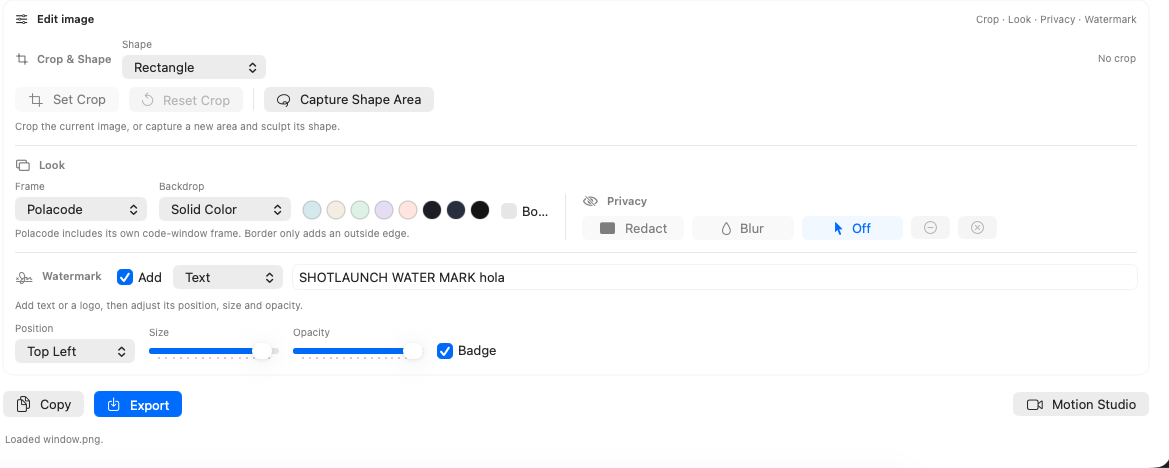
Crop the story, choose a treatment, hide details, add your mark and choose the output without bouncing between separate utilities or a full design canvas.
Motion Studio
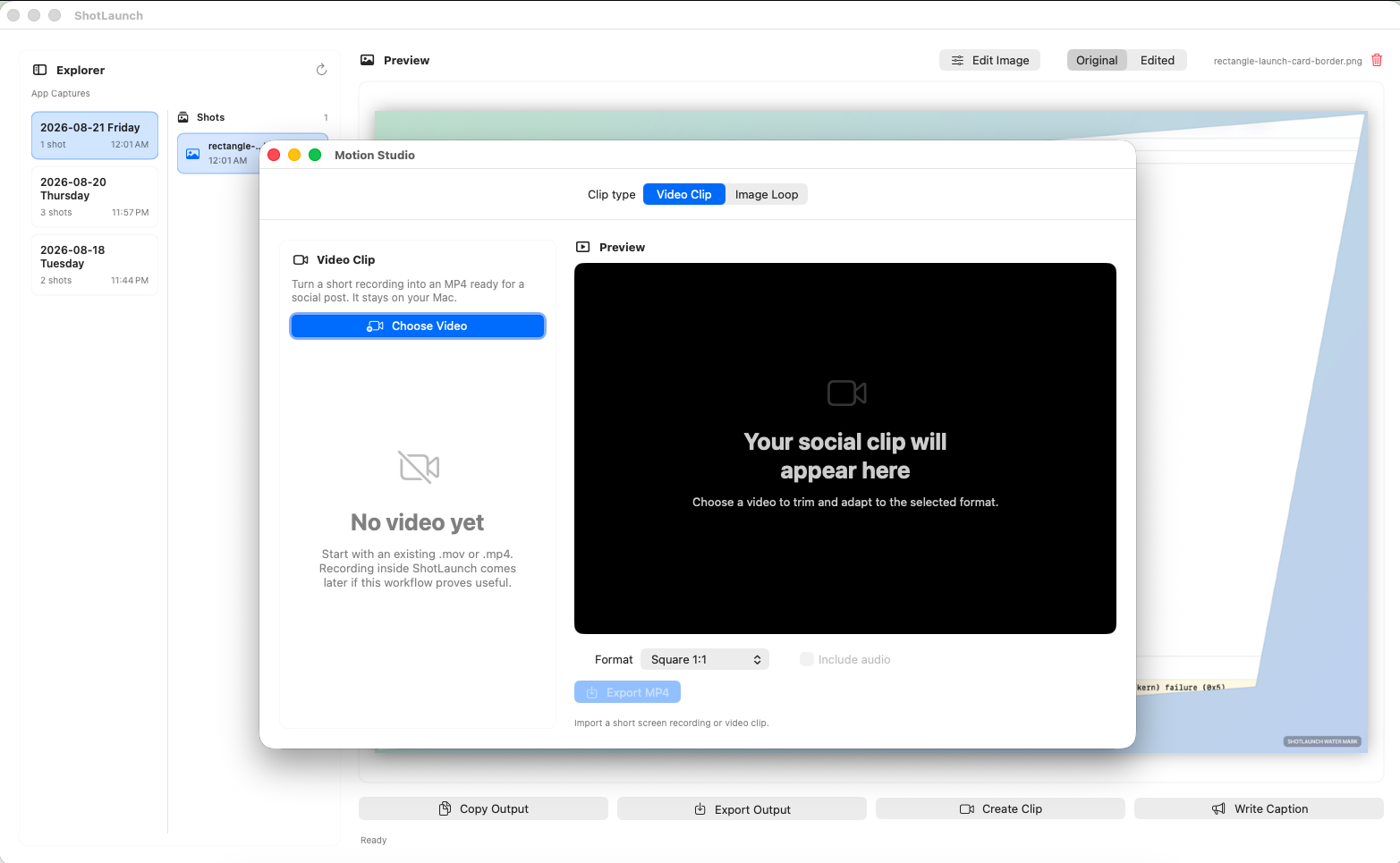
Use Image Loop to turn 3 or 4 static visuals into a GIF with a gentle camera move. Or use Video Clip to trim a short recording, choose its format and export an MP4 that fits the post you are making.
The workflow
The beta is intentionally focused: it sits in the menu bar, stores screenshots locally, and gives you the controls needed before an image, GIF loop or short video clip goes into your content workflow.
Capture a screen or bring in the images you already made
Crop, shape, frame and add your brand
Hide sensitive details before the asset leaves your Mac
Export a static image, GIF loop or short MP4 clip
Public pricing
Start with everyday capture and basic editing. Pro is for people who repeatedly need branded visual treatments, motion assets and social clips.
Full, area and window capture, local library, basic crop, copy/export and privacy tools. No account required.
Unlock Shape, visual treatments, watermark controls, motion loops and short video clips.
Advanced visual editing, motion and video tools for people who regularly prepare screen-based assets.
FAQ
What ShotLaunch is for, how the beta works, and what is still being decided.
ShotLaunch is a local-first macOS app for turning screenshots and short recordings into visual assets for marketing and social posts. It brings capture, cropping, framing, redaction, watermarking, GIF loops and short MP4 clips into one focused workflow.
It is for marketers, social media managers and small teams who regularly turn screens, product moments or campaign updates into clear visual posts. It also fits people preparing assets for clients without needing a full design workflow each time.
macOS handles the capture. ShotLaunch handles the visual work that often comes next: choosing the focal point, adding a frame, hiding sensitive details, applying a watermark and exporting an asset that is ready to place in a post.
No. ShotLaunch is deliberately narrower: it helps you prepare a screen-based visual quickly when it needs to look intentional in a post or campaign. Complex design work, open-ended illustration and destructive editing belong in dedicated design tools.
Your screenshots and short recordings do not need to be uploaded to a cloud service to use the core workflow. ShotLaunch keeps capture, editing, the local library, motion rendering and video clipping on your Mac rather than requiring cloud storage.
Free covers essential capture, basic editing and a local library. Pro adds Shape, visual treatments, watermark controls, motion loops and short video clips for people who prepare branded visual assets repeatedly.
Use 3 or 4 images to create a GIF loop with a gentle camera move and crossfade. Or bring in a short .mov or .mp4, trim the moment you need, choose square, vertical or landscape, and export an MP4. Motion Studio does not record your screen or publish to social platforms for you.
The planned price is $5 USD per month or $39 USD per year. Pricing may be revisited as the beta develops, but that is the current direction for people who need the more advanced editing and presentation workflow.
ShotLaunch is currently available through a beta waitlist. The first 50 accepted people receive one year of Pro at no cost. Joining the waitlist signals interest; it does not guarantee beta access.
ShotLaunch is being built for macOS. Exact macOS version requirements have not been announced, so the waitlist is best for people whose primary workflow is already on a Mac and who are comfortable following the product through beta.
Founding beta
We are looking for Mac users who turn screenshots or short recordings into posts, campaign visuals or client-ready updates. The first 50 accepted testers get one year of ShotLaunch Pro at no cost, with no card required.